
MetaTrader is a trading platform used by traders worldwide. In this article, I'll guide you through the most important aspects of MetaTrader, from downloading and installing it to its advanced features and the differences between its versions.
What is MetaTrader?
Since its launch in 2005, MetaTrader 4 (MT4) has been widely welcomed and adopted by the Forex trading industry. This recognition then motivated the creation of the MetaTrader 5 (MT5) platform, designed to appeal to the non-Forex market.
Easy to use for both beginners and experts, MetaTrader perfectly suits the needs of traders. It's a flexible, intuitive software with top-notch analytical tools, customizable charts and indicators, an accessible programming language, and a whole range of features you should definitely try.
Advantages of using MetaTrader
Using MetaTrader has many advantages, including:
- Flexibility: MetaTrader can be used on different devices, including computers and mobile devices.
- Automation: Enables the creation of trading robots and automated strategies using the MQL language.
- Security: Is MetaTrader secure? Yes, it offers a high level of security to protect our transactions and personal data.
- Advanced tools: Includes charts, indicators, and technical analysis tools that help us make informed decisions.
MetaTrader is not just a trading platform, but a comprehensive tool that allows us to improve our strategies and optimize our operations. If you're wondering how MetaTrader, the answer lies in its ability to offer a complete and secure trading experience.
MetaTrader 4 and MetaTrader 5: Similar but not the same
The first thing we need to know is that MT4 and MT5 are two different platforms (this means that there is no relationship between them other than the similarity of their graphical interface).
MetaTrader 5 was designed to do things that MetaTrader 4 couldn't; in fact, MT5 is aimed at a different market. It's a common misconception that MT5 is an improved version of MT4 and that they both perform the same functions. Nothing could be further from the truth.
MT4 is basically a platform for traders who trade Forex, while MT5 was created to meet the demands of stock and commodity traders.
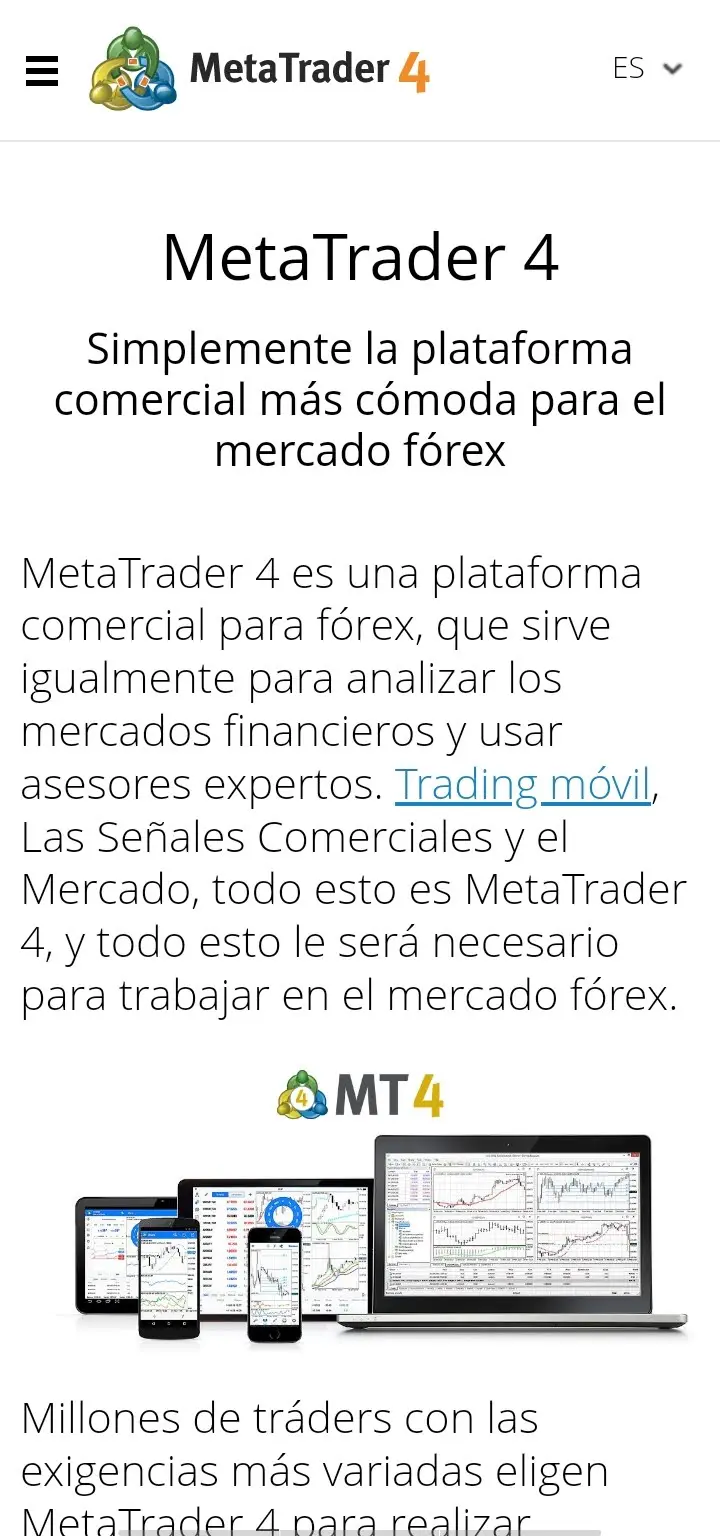
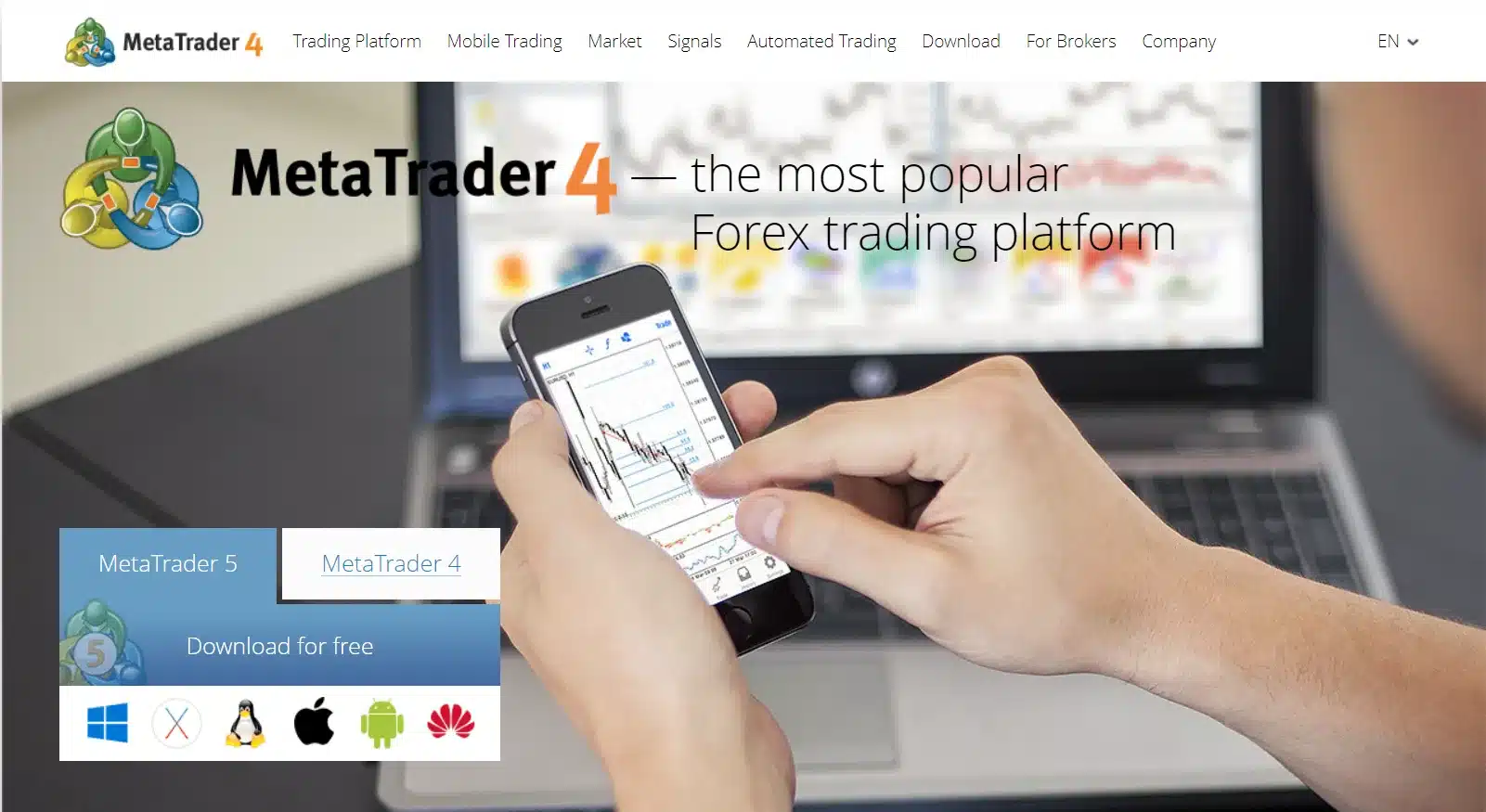
The most notable aspect of MT4 would be:
- It's software designed for the Forex market that allows you to trade from a simple graphical interface with powerful analytical tools. This includes 23 drawing tools, 30 technical indicators, and charts across 9 timeframes.
- For accurate market analysis, this version includes a range of built-in indicators that you can customize, and others that you can add. In fact, you can purchase up to 2100 indicators, 1700 robots, and various data feeds.
- Another highly valued feature of this software is its Expert Advisors (EAs). This function provides you with tools to develop, optimize, and test different investment algorithms. Furthermore, using the programming language, you can generate your own EA to add to your charts, sell it, or publish it in the open-source code library.
Similarly, we can summarize what distinguishes MT5 as follows:
- With MT5 you can trade assets such as cryptocurrencies, futures, and CFDs, among others.
- MetaTrader 5 also makes it easier to use EAs (Expert Advisors).
- In addition to its strategy optimization capabilities, it includes 100 charts with 21 timeframes ranging from 1 minute to 1 month and 44 plotting objects. This is combined with at least 80 technical indicators. You also get advanced DOM, market scanners, and the option to modify the code via Code Base.
The ability to incorporate different plugins and EAs (Expert Advisors) makes MetaTrader a highly flexible tool.
Differences between MetaTrader 4 and 5 in 1 minute
| Differences between MetaTrader 4 and MetaTrader 5 | ||
|---|---|---|
| Characteristics | Metatrader 4 | MetaTrader 5 |
| Markets | Forex and CFDs | Forex, CFDs, Futures, Stocks, ETFs |
| Number of assets to be operated | Lower | Superior |
| Automated trading | Yeah | Yeah |
| Timeframes | 9 | 21 |
| Technical indicators | 30 | 38 |
| Expert Advisors | Yeah | Yeah |
| Backtesting | Yeah | Yeah |
| Scalping | Yeah | Yeah |
| Market depth | No | Yeah |
| Hedging | Yeah | Yeah |
| Programming language | MQL4 | MQL5 |
A bit of history: MT4 vs. MT5
MetaTrader was developed by MetaQuotes Software and first released in 2005. Since then, it has evolved significantly, becoming one of the most widely used platforms by traders. Its success stems from its ability to adapt to the needs of both novice and experienced traders.
In the following video, Pablo Ortiz (founder of the algorithmic trading school called Robot de Forex) gives us a very interesting overview of what the development of MetaTrader 5 for the industry.
Advantages and disadvantages of using MetaTrader:
Pros:
- Extensive functionality: Metatrader offers an arsenal of technical indicators, drawing tools, and graphical objects that enable traders to perform complex analyses and make informed decisions.
- Personalization: The platform is highly customizable, allowing the interface to be adapted to the preferences and needs of each user.
- Backtesting and automated trading: Metatrader allows you to perform backtesting of strategies and automate order execution, which can be very useful for optimizing strategies and reducing emotional bias.
- Multi-broker compatibility: Metatrader is compatible with a wide range of brokers, allowing you to choose the one that best suits your needs.
Cons:
- Learning curve: Metatrader can be a bit complex for beginner users, as it requires some time to become familiar with all its functions.
- Lack of some advanced features: Compared to some more modern platforms, Metatrader may lack some advanced features, such as complex algorithmic trading or integration with external data analysis tools.
- Potential for fraud: As such a popular platform, MetaTrader is also an attractive target for scammers who create fake indicators or signals. It's important to be cautious and verify the reliability of any resource before using it.
- Third-party dependency: Some Metatrader features, such as backtesting and automated trading, require the use of third-party indicators or scripts, which can lead to additional costs or compatibility issues.
How to download and install MetaTrader
Open an account with a broker
First, we need to open an account with a broker that supports MetaTrader. is essential Choosing a reliable broker. Here are some basic steps:
- Visit the website of the broker of your choice.
- Complete the registration form with your personal information.
- Verify your account by submitting the required documents.
- Once verified, you will be able to access your trading account.
Download MetaTrader
After opening your account, the next step is to download MetaTrader from the broker's website (this is important, as you'll need the market data provided by the broker). Depending on your operating system, the steps may vary slightly.
Downloading and installing MetaTrader is a simple process that will allow you to access one of the most popular and efficient trading platforms on the market.
Main functions of MetaTrader
Charts and indicators
In MetaTrader, charts are an essential tool. They allow us to visualize price behavior in real time. We can customize charts with different types of candlesticks, colors, and timeframes. Furthermore, we have access to a wide variety of technical indicators that help us analyze the market and make informed decisions.
Automated trading
Automated trading is one of MetaTrader. Using Expert Advisors (EAs), we can program trading strategies that execute automatically. This allows us to trade without being glued to the screen all the time. EAs can open, modify, and close trades based on the rules we have defined.
Orders and execution
MetaTrader offers several options for executing orders. We can place market orders, pending orders, stop-loss orders, and take-profit orders. The platform is known for its speed and accuracy in order execution, which is crucial in volatile markets.
In addition, we can manage our operations directly from the terminal, where we see our open positions, trading history, and account balance.
How to use MetaTrader with Vantage
The following video is part of the swing trading course Experiencia Topstep. Here I demonstrate how to use MetaTrader 5 with a broker like Vantage.
MQL language in MetaTrader
What is the MQL language?
The MQL language, developed by MetaQuotes, is a powerful tool for programming investment strategies. Its main purpose is to facilitate automated trading and enable the creation of custom indicators, alerts, and scripts. Both MetaTrader 4 and MetaTrader 5 use this language, allowing us to analyze large amounts of data and obtain detailed statistics.
How to create custom indicators
Creating custom indicators in MQL is quite simple. Here are the basic steps:
- Open MetaEditor from MetaTrader.
- Select "New" and choose "Custom Indicator".
- Define the properties of the indicator (name, parameters, etc.).
- Write the indicator code in the editor.
- Save and compile the indicator.
- Load the indicator into MetaTrader and test it on a chart.
Automating strategies with MQL
Strategy automation is one of the biggest advantages of MQL. We can program trading robots, known as Expert Advisors (EAs), that automatically execute trades according to the rules we define. This helps us eliminate emotions from trading and follow a disciplined strategy.
Automation with MQL allows us to operate in the markets more efficiently and accurately, taking advantage of every opportunity without being glued to the screen.
After-sales service
Among the standout features of MT4 and MT5is the technical support available to help you resolve any issues or learn how to leverage their versatility. Since many brokers offer these platforms as an alternative to their proprietary software, the level of support will largely depend on the broker you choose.
On the other hand, the community of traders who have adopted MT4 or MT5 is very large, so you can easily find online help. There are all kinds of forums, blogs, and experts on the subject where you can ask questions and/or improve your skills.
Beyond the official site, you have countless resources at your disposal with updates, strategies, programming support, and more.
MetaTrader Price
As unusual as it may seem in this industry, you can download these platforms for free. This means traders can use them on their computer, mobile phone, or tablet for free to run simulations.
However, the data you need to operate even in demo mode will depend on having an account with a broker (What are the best Forex brokers?).
Trial version
Since these are free platforms, we consider the demo account to be a trial version that you can use unlimitedly without spending real money.
Both software programs (MT4/MT5) are quite lightweight, so they don't take up much space, which speeds up their execution, and they are compatible with Windows, Linux, and Mac OS in the desktop versions, and Android and iPhone on mobile phones and tablets.
Many stockbrokers offer the possibility of opening a demo account using MetaTrader.
If you are interested in learning how to trade, the best thing you can do is sign up with one of these brokers and install the platform in order to start practicing with it.
Frequently Asked Questions
What is MetaTrader?
MetaTrader is a trading platform that allows users to trade in various financial markets, such as Forex and CFDs, using advanced analysis tools and automated trading.
What are the main versions of MetaTrader?
The main versions are MetaTrader 4 (MT4) and MetaTrader 5 (MT5). MT4 is very popular among Forex traders, while MT5 offers more features and supports a wider range of markets.
How can I download MetaTrader?
To download MetaTrader, you must first open an account with a broker that offers this platform. Then, you can download the software from the broker's website and install it on your device.
What is the MQL language in MetaTrader?
MQL is a programming language developed by MetaQuotes. It is used to create custom indicators, automate trading strategies, and program trading robots in MetaTrader.
Can I use MetaTrader on my mobile phone?
Yes, MetaTrader is available as a mobile app for iOS and Android devices. You can download it from the App Store or Google Play and set up your account to start trading.
What is the difference between MetaTrader 4 and MetaTrader 5?
MetaTrader 4 is ideal for Forex traders and is known for its simplicity and efficiency. MetaTrader 5, on the other hand, offers more tools and features and supports a wider variety of markets, including stocks and futures.
Conclusions about MetaTrader:
The consensus regarding MT4 and MT5 is that there aren't many differences between them, except for greater sophistication in the latter. One way to look at it would be:
- MT5 is designed for trading in non-Forex markets, while MT4 is a Forex platform and has greater availability among the various recommended online brokers..
- With MT5 you get 4 order executions and 6 pending orders. These values are 3 and 4, respectively, for MT4.
- While MT4 has hedging and roll-over, MT5 does not have these options.
- Unlike MT4, MT5 allows you to create more complex strategies, has more indicators, and uses the MQL5 language.

My name is Norberto. I've been investing and trading for over a decade. I'm also the author of the trading course Experiencia Topstep. If you want to learn how to invest and have any questions, feel free to contact me.
You might also be interested in
HOW TO START INVESTING IN THE STOCK MARKET?

MILLIONAIRE TRADER: STRATEGY REVEALED
Discover the trading strategy of Takashi Kotegawa, the best…









Hi, can someone tell me how this MetaTrader 4 thing works? I've been on the platform since Friday, October 7th, with a micro account. I have a financial advisor who keeps calling me to invest the minimum (€20,000) to participate in MetaTrader 4's financial plans. Is this reliable? Who guarantees the investment will be successful? From the comments I've just read, it all seems confusing. If those of you who have written here haven't been able to recover your money or cancel your account, it's a bit unnerving to keep listening to the financial advisor.
Hi Victoria,
MetaTrader is just a platform used for stock market trading (you can see a ranking of trading platforms). Many brokers use MetaTrader because it's easy for traders to use. Having said that, let me tell you: DO NOT GIVE YOUR MONEY TO ANYONE WHO ASKS YOU TO INVEST. What you're telling us is not trustworthy. Since MetaTrader is just a platform, they don't have account advisors. It's about as likely that they'll call you from MetaTrader to invest as it is that the fire department will call you. Withdraw your money from wherever you have it right now.
Greetings
Good day, I would like to know how I can withdraw money without having to wait so long from Bancolombia. Thank you
Hello Yohanna,
Withdrawals depend on the options offered by your broker. If your broker offers PayPal, Neteller, Skrill, etc., you can make withdrawals almost instantly without going through Bancolombia. I have an article where I discuss this; you might be interested in it -> https://experienciatopstep.com/vida-de-trader/monedero-virtual-traders/
Greetings
I have MT5 and I can't transfer money to Binance. How can I transfer funds from MT5 to Binance? Please
Hi Maria,
MetaTrader 5 is simply the platform used to place market orders (you don't deposit money in MetaTrader). What you need to do is send money to your exchange, in the case of cryptocurrencies, or your broker if you trade CFDs or stocks. If you use Binance to trade cryptocurrencies, I believe your only option is to fund your account by buying cryptocurrencies with your card. But MetaTrader has nothing to do with this process, because, as I mentioned before, MetaTrader is just the trading platform (in fact, I understand that Binance doesn't operate with MetaTrader).
I'm not sure if I've helped or confused you even more. Email me if you still have questions.
Greetings
I had a terrible experience with GSI Markets through this platform. I lost US$2,600 that I was never able to recover, and they always tell you that if you want to recoup your losses, you have to reinvest, otherwise it's impossible. And what they actually do is cause you to lose even more. I don't recommend it.
Good afternoon from Spain. How can I keep the asset charts fixed once they're added to the mosaic? Because every time I select one, it moves to the top of the mosaic.
Hello Juan,
I'm not sure I understand what's happening. If you give me more details, I'll try to help. Are you using MetaTrader 5?
Greetings
Hello, I have been scammed through this platform by a broker named Veronica Maria Gavin McNulty
Great article, thanks for sharing!
Where can I get the platform?
Hi Lolo,
You can download the platform directly from the MetaTrader website (here's the link to MetaTrader 5). However, it's best to download it from a Forex broker's website (here are my preferred Forex brokers) since you'll need a demo account with market data to practice, and brokers should provide this (the platform without data isn't very useful).
Remember that you don't need to deposit any money to access a demo account, but you do need to register. Some brokers offer unlimited demo accounts, while others only offer a limited number for a limited time. It's usually best to try several brokers and stick with the one you like best. You can even run multiple versions of MetaTrader simultaneously.
As I mentioned at the beginning of this message, you can also download the platform from the MetaTrader website and then connect it to your broker account. However, this option has often caused me compatibility issues with the plugins brokers offer for customizing the platform. Therefore, I recommend signing up with a broker and downloading your preferred version of MetaTrader directly from their website (I prefer MT5, but many traders choose MT4 due to the number of plugins available). This way, you can ensure everything runs smoothly.
I hope this has been helpful. Please feel free to write to me again if anything is unclear.
Greetings
I've invested a small amount, but they're not responding... it's all very strange. Can anyone advise me?
Thanks
Hi Andrea,
MetaTrader is just a platform; you can't invest directly through it. You need a broker to invest. Perhaps you're mistaken.
Greetings
I'm in a similar situation. I want to close my account, but my broker's phone is off, and the MT5 manager, a certain Daniel Stone, isn't answering my emails. If anyone has any information on how I can close my account, I'd be very grateful. I don't care about the money; I just want to close the account. Thanks
I want to know if I can recover my investment. The advisor who guided me only stole from me. This platform is used to take advantage of the naive; it's a scam targeting small investors!
Hello, good day. What is the name of your advisor? I was asked to put money into a Buddha account in order to be able to withdraw the profits from some shares
Hello, I think you should have analysts or advisors to help small investors, as I currently don't have one. I'm very dissatisfied; I haven't received the support I expected from MetaTrader 5 through the advisor that guides me. Thank you for your attention
Hi Yamileth, I'm in the same situation as you. Could you please get in touch with me?
Hi
, I
've invested money and
Sophia keeps giving me the runaround.
I had a terrible experience with GSI Markets through this platform. I lost US$2,600 that I was never able to recover, and they always tell you that if you want to recoup your losses, you have to reinvest, otherwise it's impossible. And what they actually do is cause you to lose even more. I don't recommend it.
Some are in fact directly with the holding company