
TradingView is a very popular trading platform among traders and investors. It allows users to analyze and trade in financial markets with advanced tools and real-time data. It also boasts an active community that shares ideas and strategies.
What is TradingView?
Definition of TradingView
TradingView is an online trading platform that allows traders and investors to analyze and trade in the financial markets. It offers tools for technical analysis, real-time price tracking, the ability to create and share charts, and collaboration with other users.
History and origin of the platform
TradingView was founded in 2011 by Stan Bokov, Denis Globa, and Constantin Ivanov (the same creators of MultiCharts ). The idea was to create an accessible platform for everyone to analyze, discuss, and trade global markets. Since its launch, it has grown rapidly and is now used by millions of people worldwide.

Is TradingView the best trading platform?
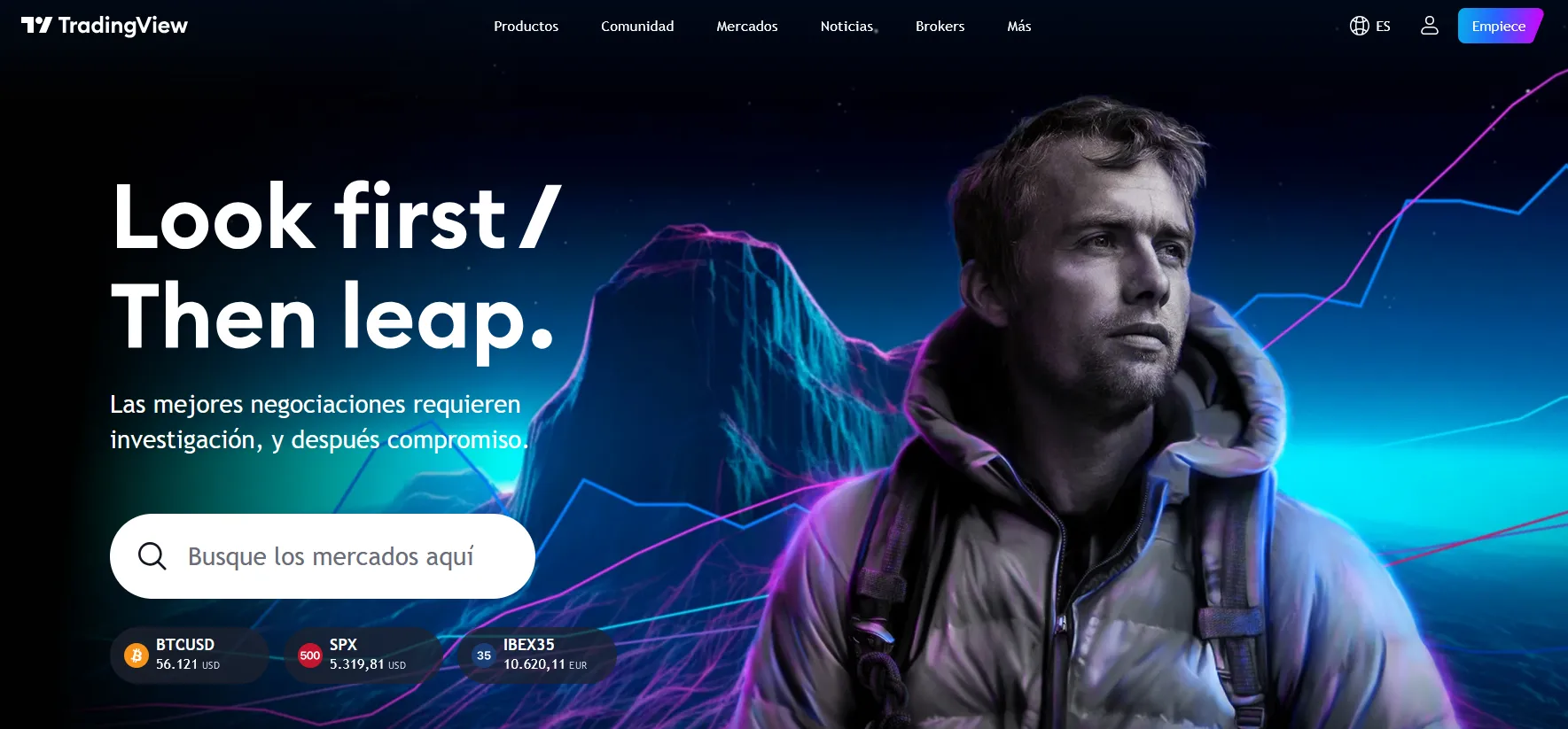
With over 13 million stored charts, it is among the 10 trading platforms on the web.
Easy to use for both experts and novices, it stands out as an intuitive platform for operating or developing your technical skills. It requires no installation, all information is processed in the cloud , and social integration is effortless.
TradingView Analysis
The first thing to mention about TradingView is its architecture. Unlike other well-known platforms, you don't need to download or install any software because it operates in the cloud. This means that the data, charts, and visualizations are stored on the company's servers.
This web-based management system can also be used on any device or operating system . Considered an advanced platform, it is characterized by its visual support with 50 drawing tools, technical analysis capabilities, and ease of use for social trading . Among its most relevant features are:
- Charting: Few platforms compare to the experience you get with TradingView. This platform has a modern look, charts that are easy to zoom in and out, well-placed buttons, practical toolbars, and is very detailed for comfortable use. Today, several brokers have started offering TradingView among their trading platforms (Interactive Brokers and Vantage among them).
- Scanner: While not highly customizable, it stands out for its interface and ease of use. The downside is its limited options; the key data indicators offered by the platform generally cannot be applied, and those that can are not configurable. This lack of flexibility diminishes its value compared to other, more customizable alternatives.
- PineScript: It's a proprietary coding language that's very easy to learn, even if you're not a programmer. This gives you the opportunity to backtest any strategy you want with your broker. You can also code more complex strategies, share them, and run as many tests as you need.
- Watchlists: This feature makes tracking assets quick and easy; simply type and press enter. This type of shortcut simplifies your work, especially when you have a lot to add.
- Social Trading Features: TradingView is known for its community of active traders and the ability to share trading ideas, analysis, and charts. This helps users learn from other traders and improve their own approach. You can follow my TradingView account here. I regularly share ideas and analysis there when I have time.
- Broker Integration: TradingView allows you to trade directly from the platform with certain compatible brokers, such as OANDA, FXCM, and others. This makes it easy to execute trades without leaving the interface.
- Backtesting Tools: It is important to highlight the strategy backtesting functions that the platform offers; this allows traders to test their ideas before applying them in the real market.
- Accessibility and Mobile Versions: TradingView's availability on mobile devices, allowing traders to stay connected to the markets from anywhere, can be a plus for many traders.
Among the platform's advantages is its ease of use. In fact, it boasts a highly intuitive and user-friendly design that adapts to any skill level. It's designed to get you started in just a few hours, while also offering advanced users a high level of functionality at a low price.
While the free version has some limitations, for those just starting out it has enough to help them improve their knowledge.
This involves charting, research, analysis, and other functions ideal for those who are 'visual thinkers' (I mean being able to identify graphic patterns), active traders, social media enthusiasts, or for those who consider charts to be fundamental in this type of tool.
Here you can see a ranking of the best trading platforms
After-sales service
If technical support is important to you for getting the most out of this platform, you'll need to consider the most suitable subscription. This is because the quality of support is directly proportional to the plan you choose. So, with the free version, you won't have access to support, but with the paid options, you will.
Furthermore, TradingView functions as a vast social network brimming with useful information on how to use it. Many traders share their ideas, tips, and strategies for the benefit of the community.
TradingView Price
While it's possible to sign up for a free account, it has certain limitations: one chart per screen, three indicators per chart, one alert, one device only, and no support. If you need something more advanced, your options are:
- Pro versioncosts $9.95 (2-year plan) or $14.95 per month and offers more technical features for trading. Specifically, it gives you 5 indicators per chart, 10 alerts, 1 chart per screen, and allows you to use one device. While you do have access to the community, it doesn't include SMS notifications or prompt customer support and contains advertisements.
- Pro+ option. The price here is $19.95 (2-year plan), $24.95 (1-year plan), or $29.95 per month. This version offers more alerts, 4 charts per screen, the ability to connect up to 2 devices, and the storage of 10 charts. In addition to faster customer service, you can create your own charts, use extended trading hours, and access various visualizations (Point, Figure, Kagi, Intraday Renko, and Broken Line).
- Premium Version. The most complete version, costing $39.95 (2-year plan) or $49.95 (1-year plan). This option offers preferential treatment, all features, unlimited access to indicator templates, 100 alerts, 25 indicators per chart, 8 charts per screen, enhanced watchlists, and more.
Trial version
A practical and free way to try this platform is through the different trial versions available to the public.
In addition to the free version, each plan includes a trial that you can use for up to 30 days. This allows you to test its functionality, see its pros and cons, and is enough time to determine if it meets your needs.
TradingView in my trading
Alternatives to TradingView
TradingView is a technical analysis platform that I really like, but it's not the only trading platform out there. In fact, many brokers offer their own platforms that are more user-friendly than TradingView .
Below I've listed 4 of my favorite brokers (all regulated brokers, never trade with unregulated brokers), so you can experiment with the investment platforms they offer and compare them.

XTB FEATURED BROKER

eToro RECOMMENDED


Frequently Asked Questions
What is TradingView?
TradingView is an online platform for traders and investors that allows them to analyze and trade in the financial markets. It offers technical analysis tools, real-time price tracking, and the ability to create and share charts.
What is TradingView used for?
The platform is used to perform technical analysis, track real-time prices, create and share charts, or collaborate with other users.
How can I create an account on TradingView?
To create an account, all you need is an email address and to accept the terms of service. The process is quick and easy, and it gives you access to all the platform's basic features.
What types of assets can I analyze on TradingView?
TradingView lets you analyze a variety of financial assets, including stocks, currencies, cryptocurrencies, and futures. The platform offers real-time data for all these markets.
Is TradingView free?
TradingView offers both a free version and paid plans with additional features. The free version includes basic tools, while the paid plans offer advanced features and real-time data.
Can I connect my broker account to TradingView?
Yes, TradingView allows integration with certain brokers, enabling you to trade directly from the platform.
Conclusions:
For many reasons, TradingView is one of the most versatile platforms when it comes to creating or managing charts for your trading operations.
This platform has many advantages, but it also has some significant weaknesses. Not all brokers integrate with it (have you seen my ranking of the best stockbrokers?), backtesting is limited, response speed depends on bandwidth (although it's usually very good), and it lacks Level 2 data. If these minor details don't bother you, TradingView can be a very valuable resource.

My name is Norberto. I've been investing and trading for over a decade. I'm also the author of the trading course Experiencia Topstep. If you want to learn how to invest and have any questions, feel free to contact me.
You might also be interested in
WHAT ARE THE BEST COURSES FOR INVESTING?

Futures Trading
DAY TRADING VS. SWING TRADING










TRADING VIEW IS CRAP: profit and loss data lags behind chart movement, profits aren't recorded…
Terrible. I was a victim of a scam involving $6,500. They told me it was only for account support
TradingView is not a broker; it does not handle money or currencies. It is simply an analysis platform
Hello Fernando,
Thanks for replying to the anonymous message (I missed it). What you say is absolutely right; the problem is that people often don't know and don't do their research. Many people have called me saying that MetaTrader or TradingView scammed them. Usually, scammers impersonate well-known brokers, but they also use popular platforms because this builds trust. It's sad, but it works wonders for them; the scammed people then call me crying, begging me to help them get their money back. In 99% of cases, it's too late, and there's nothing that can be done.
So you're right to clarify these things; we can only try to stop these scams by warning people. I briefly discuss these scams in my article about the best brokers , but not everyone is interested in reading and learning, much less in becoming financially educated. This leads them to be seduced by any absurd claim with ridiculous promises of profit.
Thanks again for your contribution 😉 – Oh, and follow me on YouTube.
Greetings
Hello, I have a complaint. A young woman named Georgina advised me on investing with this platform. I already deposited $550 USD and she told me I would recover $5,500 USD in a week. Now she's just asking me for more money, saying it's necessary to deposit more to receive the profits. It's been 15 days without any response
I hope you can help me
Hi Benjamin,
TradingView is not a broker; it's a technical analysis platform (although some brokers do use it). No one from TradingView will call you asking you to deposit money. Please ignore this woman. Try withdrawing all your money, telling her that before making a large deposit, you should verify that they are not a scam. Once you get your money back, never contact them again. A reputable broker would never call you unless you contacted them first with a concern.
I hope my advice is helpful.
Greetings
I received a call from someone named Daniel Torres, then I deposited money to someone named Santiago Ruiz, and then I was transferred to my advisor named Indigo, and it was a complete scam
Hello,
I'm sorry to hear what happened to you, but I need to clarify something here. TradingView is a technical analysis platform for trading, but you can't deposit money directly into it, so it's impossible that TradingView scammed you. Money is deposited with a broker. That's why I always emphasize the importance of using regulated brokers.
Greetings